From invitation to minutes
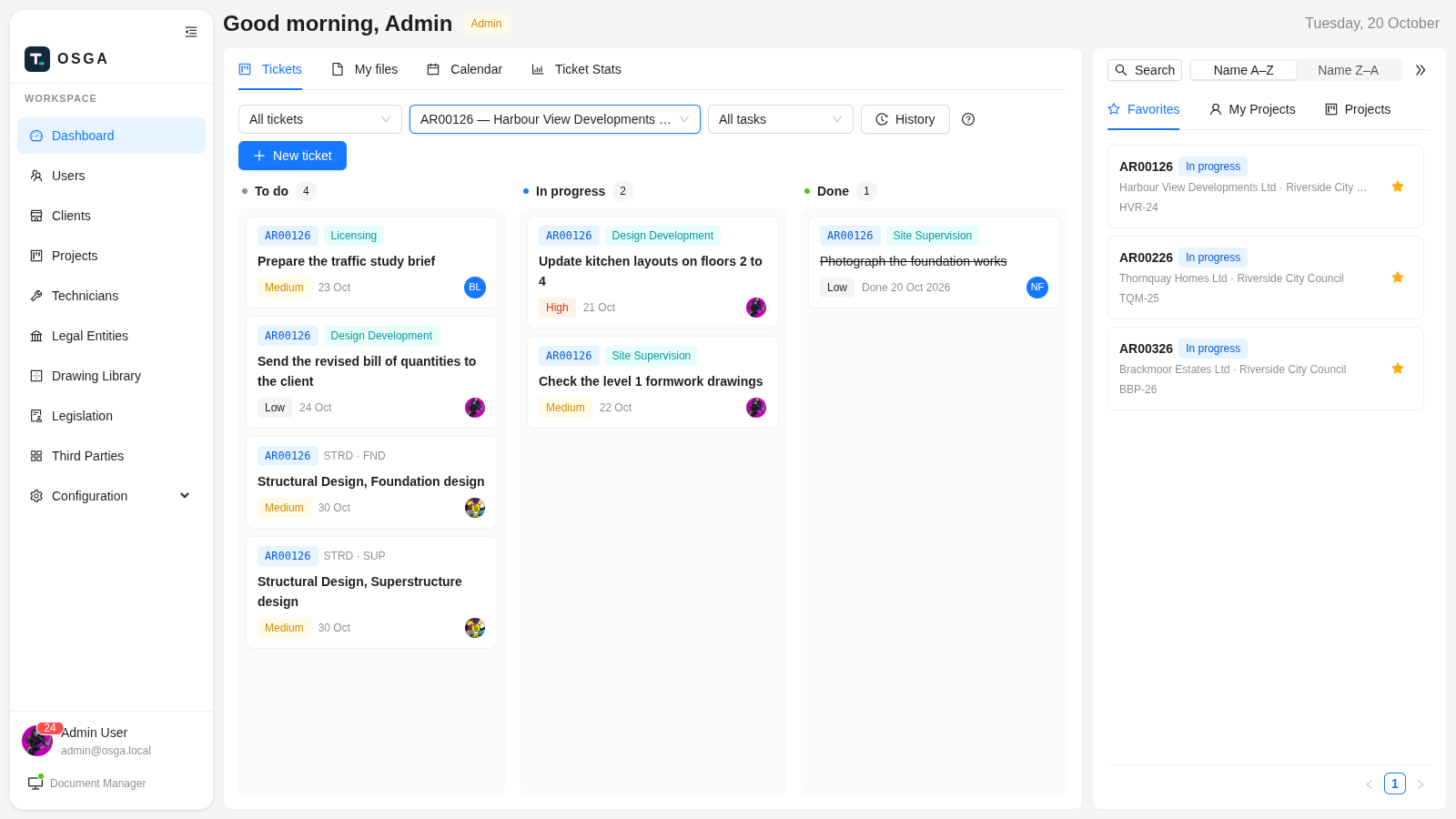
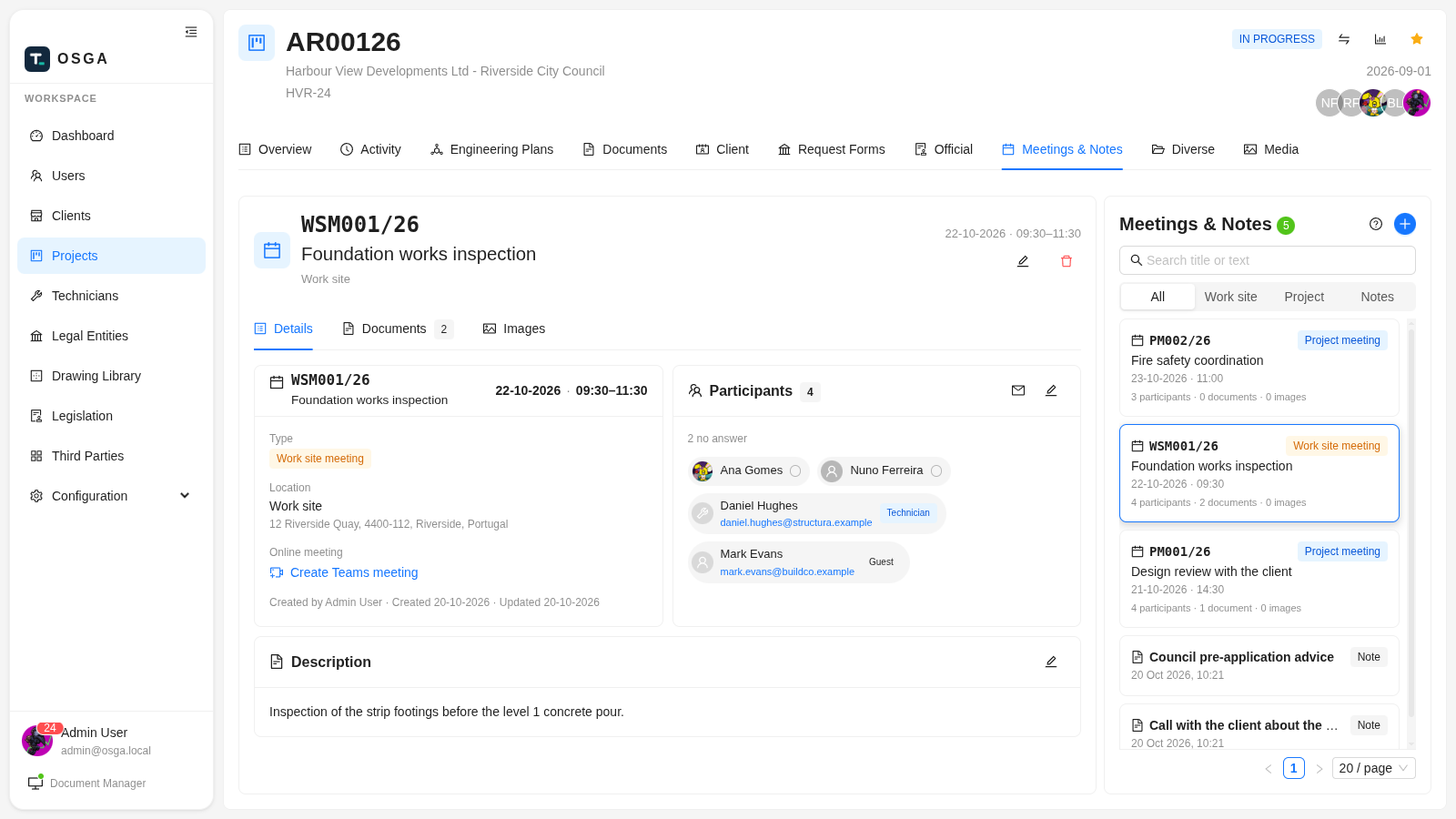
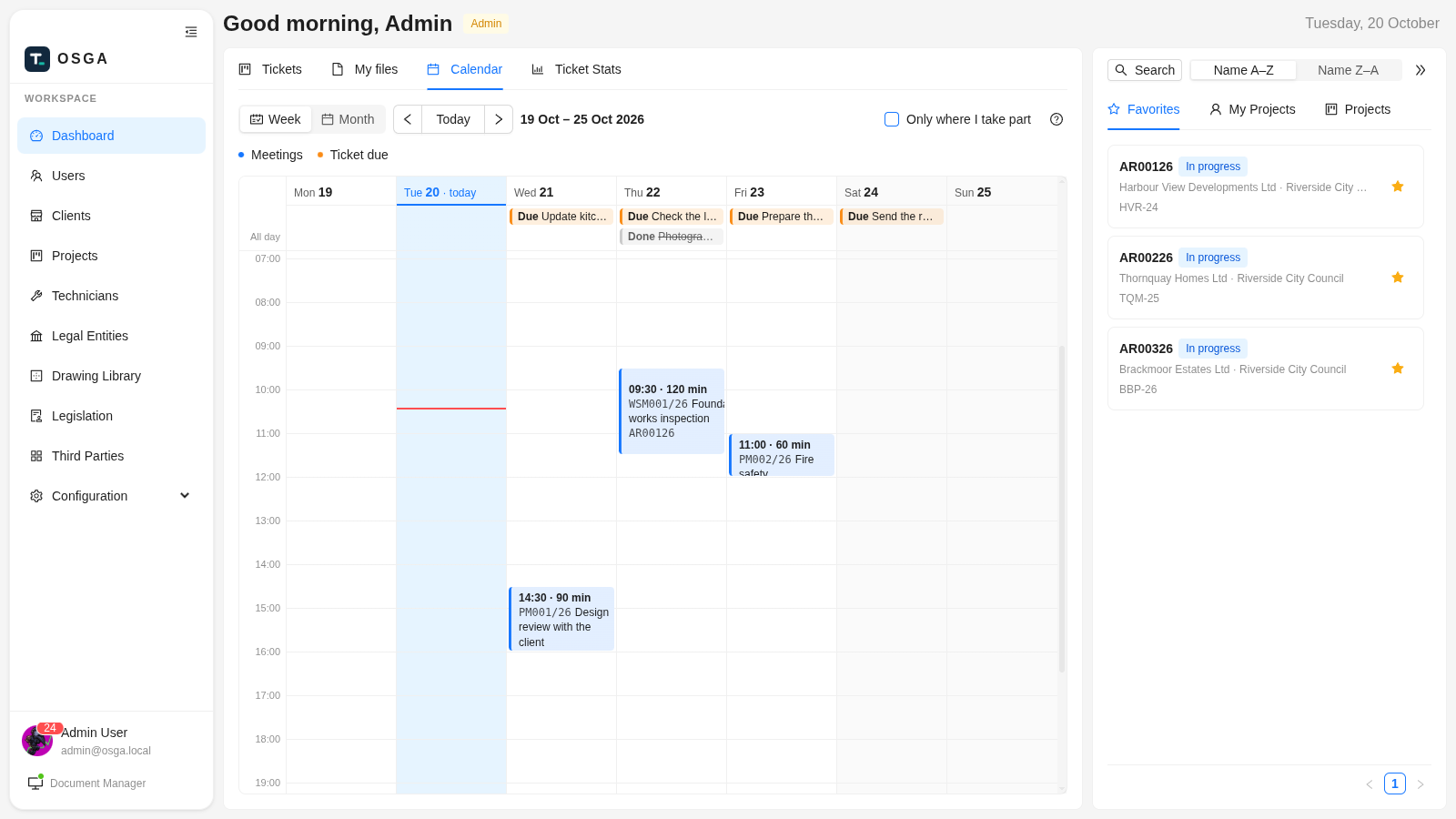
- Work-site and project meetings, numbered per project and year.
- Email invitations with a calendar file; updates and cancellations go out by themselves.
- Teams, Zoom or Google Meet links created in one click, moved with the meeting.
- Answers come back in — from the app, or from the Accept button in the guest’s Outlook, Gmail or Apple Calendar. Bounced invitations are flagged.
- Minutes from templates, photos from the day and short notes, kept with the meeting.